
TL;DR
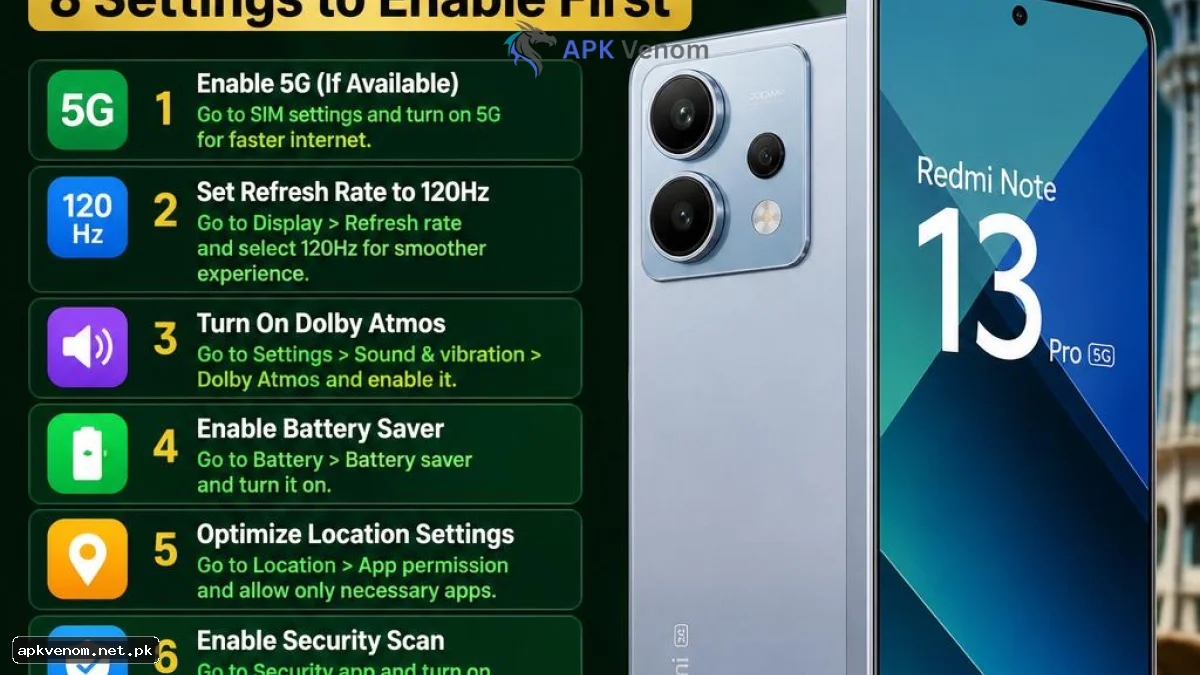
The Redmi Note 13 Pro offers premium specs like a 200MP camera and a 120Hz AMOLED display at an attractive price in Pakistan. However, factory defaults drain battery during load shedding, waste mobile data on Jazz or Zong packages, push intrusive ads, and leave JazzCash or EasyPaisa OTPs exposed. Enabling these 8 settings optimizes performance, privacy, and battery life in minutes.
Why Should Pakistani Users Customize Their Redmi Note 13 Pro?
Out of the box, Xiaomi’s MIUI / HyperOS software comes pre-loaded with battery-heavy features, background tracking, and ad-serving services. These defaults are designed for markets with continuous power and cheap unlimited data. In Pakistan, tweaking your Redmi Note 13 Pro ensures longer standby times during power outages, protects financial accounts, and delivers a smoother experience on mobile networks.
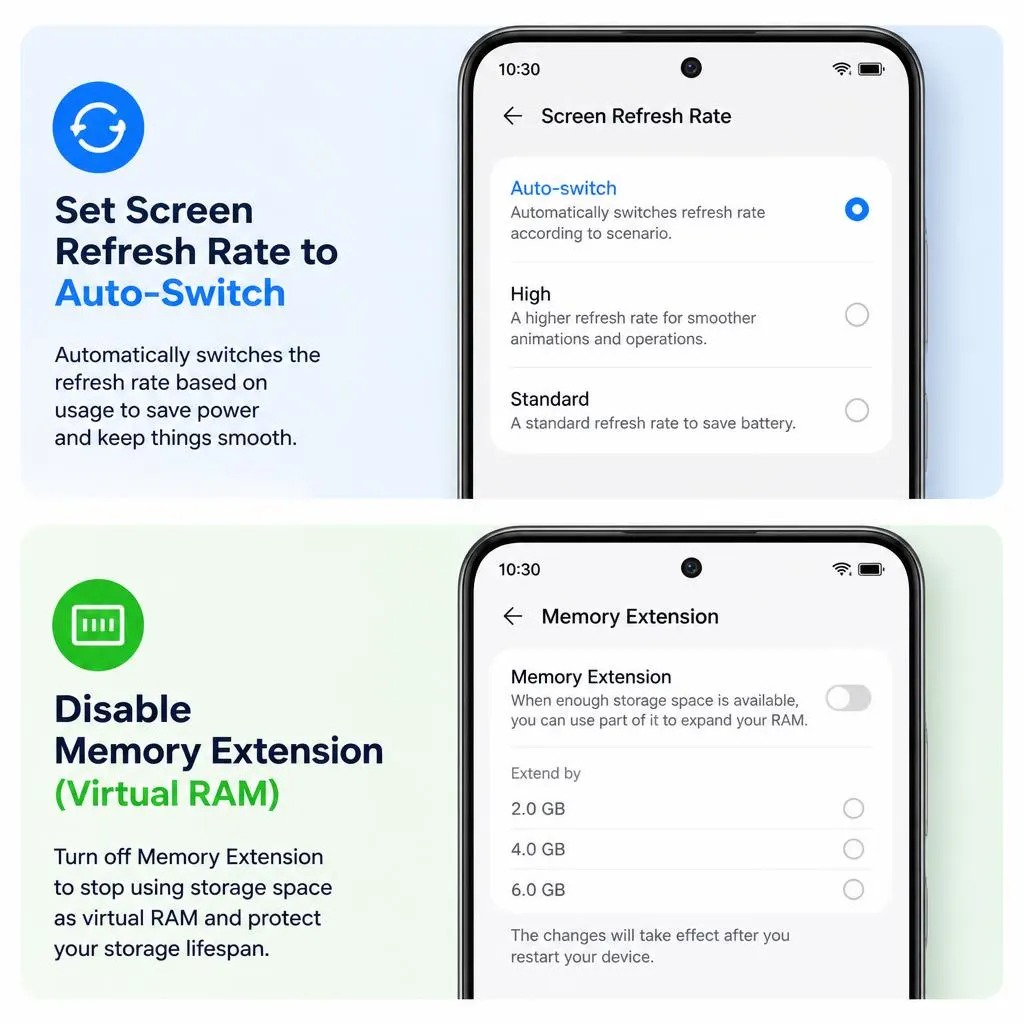
1. Set Screen Refresh Rate to Auto-Switch
The Redmi Note 13 Pro features a crisp 120Hz AMOLED panel. Forcing 120Hz continuously drains the 5000mAh battery rapidly a major drawback during unannounced load-shedding hours.

-
How to enable: Go to Settings > Display & brightness > Refresh rate and choose Default (Auto-switch).
-
Why it matters: Drops the screen to 60Hz when reading text or watching videos, saving up to 15–20% battery daily without losing UI smoothness.
2. Disable Memory Extension (Virtual RAM)
Xiaomi enables "Memory Extension" by default, converting 4GB to 8GB of internal storage into virtual RAM. On models with physical 8GB or 12GB RAM, this feature slows down read/write speeds and degrades flash storage health.

-
How to enable: Go to Settings > Additional settings > Memory extension and select Off. Restart your phone.
-
Why it matters: Frees up internal storage, reduces micro-stutters, and keeps HyperOS responsive during multitasking.
3. Hide Sensitive Lock Screen Content (Protect Financial OTPs)
Leaving SMS previews active on a locked display exposes one-time passwords (OTPs) from JazzCash, EasyPaisa, Raast, and banking apps. Anyone looking at your locked screen can see your financial codes.
-
How to enable: Go to Settings > Notifications & Status bar > Lock screen > Format and select Show notifications but hide content.
-
Why it matters: Keeps sensitive financial transactions secure if your phone is left unattended.
4. Turn Off MIUI / HyperOS System Ads (MSA)
Xiaomi subsidizes hardware by embedding ads inside system applications like File Manager, Cleaner, and Security. You can disable these pop-ups permanently.
-
How to enable:
-
Go to Settings > Passwords & security > Authorisation & revocation and revoke permission for msa.
-
Open system apps (File Manager, Cleaner), tap Settings > About, and turn off Receive recommendations.
-
-
Why it matters: Eliminates unwanted promotional notifications and saves background data.
5. Restrict Background Data for Social Apps
Prepaid data packages on Jazz, Zong, Telenor, and Ufone get expensive quickly. Social apps like TikTok, Facebook, and Instagram refresh videos in the background, consuming megabytes silently.
-
How to enable: Go to Settings > Apps > Manage apps, choose heavy media apps, tap Data usage, and toggle off Background data.
-
Why it matters: Prevents accidental data exhaustion on limited daily or weekly mobile packages.
6. Enable Battery Protection & Optimized Charging
To prevent battery degradation caused by power restores and overnight charging, Xiaomi includes an intelligent battery manager.
-
How to enable: Open Settings > Battery > Battery protection and turn on Optimized charging.
-
Why it matters: Pauses charging at 80% overnight, topping up before you wake to extend battery lifespan.
7. Configure Sunlight Mode & Reading Mode
Navigating outdoor bazaars requires quick display adjustments. Sunlight Mode boosts panel brightness beyond standard limits when auto-brightness fails under direct sunlight.
-
How to enable: Go to Settings > Display & brightness > Brightness level and enable Sunlight mode. For night, schedule Reading mode to trigger automatically at sunset.
-
Why it matters: Ensures screen visibility under harsh outdoor sunlight while preventing eye strain at night.
8. Set Up Emergency SOS with Local Contacts
Emergency SOS allows you to send an automated distress SMS with your live location to close family by pressing the power button five times rapidly.
-
How to enable: Go to Settings > Safety & emergency > Emergency SOS, toggle it on, and assign emergency contacts.
-
Why it matters: Provides instant safety during daily commutes or unexpected emergencies.
Redmi Note 13 Pro: Default vs. Optimized Settings
| Setting Category | Factory Default | Optimized Setting | Primary Benefit |
| Refresh Rate | 120Hz Continuous | Auto-Switch (Dynamic) | Saves 15–20% battery during load shedding |
| Memory Extension | Virtual RAM ON | Disabled (Off) | Prevents storage wear and reduces lag |
| Lock Screen SMS | Full Message Previews | Hide Sensitive Content | Protects JazzCash, EasyPaisa & Bank OTPs |
| System Telemetry | MSA Ad Services Active | MSA Revoked / Ads Disabled | Eliminates promotional status bar spam |
| Background Data | Unrestricted Data | Restricted for Heavy Apps | Conserves Jazz, Zong, and Telenor MBs |
Will turning off Memory Extension slow down my phone?
No. Physical RAM is far faster than virtual storage RAM. Disabling Memory Extension actually improves device responsiveness and prevents internal storage degradation.
Do these settings apply to both MIUI 14 and HyperOS?
Yes. Whether your Redmi Note 13 Pro runs MIUI 14 or has updated to HyperOS, these settings menus remain virtually identical across both software versions.
Will restricting background data stop WhatsApp messages?
No. Keep background data enabled for messaging apps like WhatsApp. Only restrict background data for media scrolling apps like TikTok and Facebook.
Does Sunlight Mode drain extra battery?
Sunlight Mode temporarily boosts screen brightness to maximum levels outdoors. It consumes more power while active, but disables automatically when moving indoors.

