
TeraBox is a cloud storage service that gives new users up to 1TB, or 1,024GB, of free storage for photos, videos, documents, and other files. It is useful for backing up a phone, storing large videos, and sharing files through a link.
What Is TeraBox?
TeraBox is a cloud storage and file-sharing platform available on Android, iPhone, PC, and the web. It lets users upload files to the cloud, access them from different devices, and share them with friends or colleagues.
The service is best known for its free 1TB storage offer. According to TeraBox, users can back up photos, videos, documents, and folders automatically, while premium users can upload files as large as 128GB at a time.

For Android users, TeraBox can be helpful when phone storage is full. Instead of deleting important photos or videos, you can move them to cloud storage and free up space on your device.
TeraBox Key Features
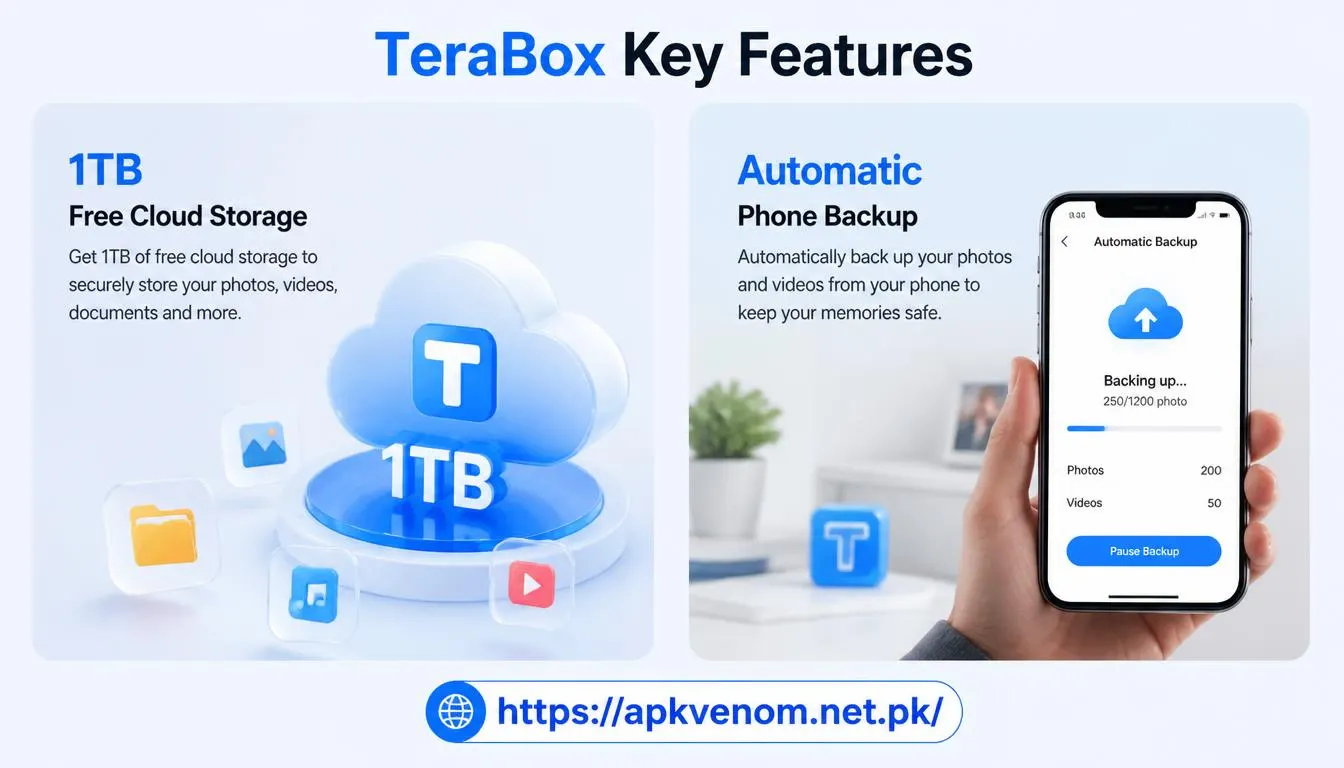
1TB Free Cloud Storage
TeraBox offers 1TB of free cloud storage to users who create an account. This is one of the main reasons people search for TeraBox free storage.
Automatic Phone Backup
The TeraBox app can automatically back up photos, videos, documents, and folders from your phone. This reduces the risk of losing important files if your device is lost, damaged, or reset.

Large File Sharing
TeraBox allows users to upload files and create share links. You can share photos, videos, audio files, documents, and other file types through a copied link.
Cross-Device Access
You can access your stored files through the TeraBox mobile app, desktop app, or web version. This makes it easier to move files between an Android phone, iPhone, Windows PC, or Mac.
Online Preview
TeraBox supports online photo previews and video playback, so you can view certain files without downloading them first.
How to Use TeraBox: Step-by-Step
Step 1: Download the Official App
Download TeraBox only from the official website, Google Play Store, or Apple App Store. The official Android app is listed as TeraBox: 1TB Cloud & AI Space on Google Play.
Avoid downloading a TeraBox mod APK from unknown websites. Modified APK files can contain malware, steal login details, or compromise the files stored in your account.
Step 2: Create or Log In to Your Account
Open the app and sign up using your email address or another supported login method. After logging in, your free cloud storage becomes available.
Step 3: Upload Your Files
Tap the “+” icon in the app, choose the file type you want to upload, and select the photos, videos, or documents from your device. TeraBox supports many file formats, including images, videos, audio, and documents.
Step 4: Organize Your Storage
Create folders for work files, personal photos, videos, backups, and downloads. Organizing your TeraBox account makes it easier to find files later.
Step 5: Share a File
Open the Files section, select the file you want to share, tap Share, and choose Copy Link. You can then send the link through WhatsApp, Facebook, email, or another messaging platform.
Step 6: Manage Shared Links
Before sharing sensitive files, check the sharing settings. Use a password or expiration option when available, especially for private documents or personal videos. TeraBox has previously described options for protected and expiring share links.
Is TeraBox Safe to Use?
TeraBox can be safe when you use the official app and follow basic cloud-security habits. However, no cloud service should be treated as a complete backup solution for highly sensitive information.
Follow these safety tips:
-
Download the app only from Google Play, the App Store, or TeraBox’s official website.
-
Never use a modified TeraBox APK or unofficial login page.
-
Use a strong and unique password.
-
Enable two-factor authentication if the service offers it.
-
Do not upload passwords, banking documents, ID cards, or private business files unless necessary.
-
Keep a second backup of essential files on an external drive or another trusted cloud service.
-
Review sharing permissions before sending a link to anyone.
Cloud storage is convenient, but your account security depends on both the platform and your own habits.
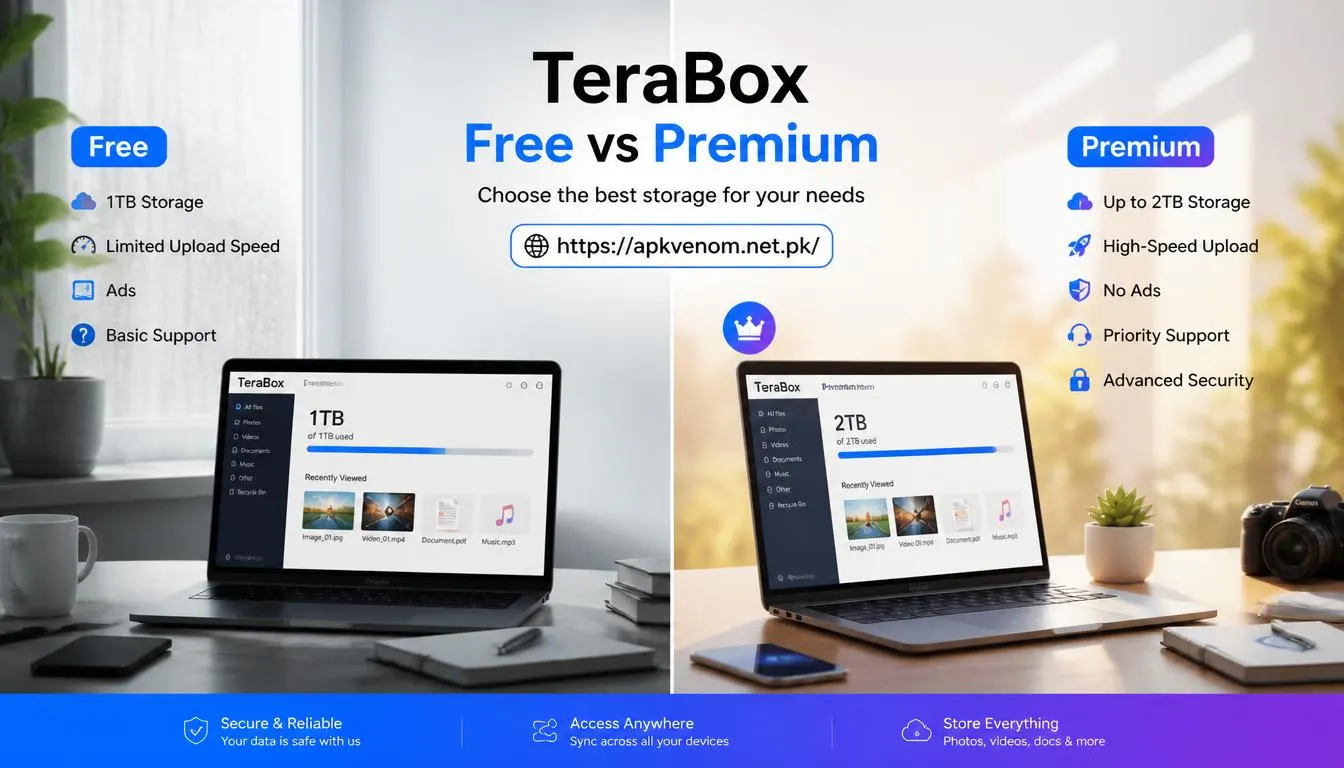
TeraBox Free vs Premium
| Feature | TeraBox Free | TeraBox Premium |
|---|---|---|
| Storage | Up to 1TB free storage play. | Higher storage plans, including 2TB on Pro terabox |
| Ads | May include ads | Usually fewer or no ads |
| Upload limits | Standard limits apply | Premium users can upload up to 128GB at a time terabox |
| File sharing | Available | Available with additional benefits |
| Best for | Personal backups and casual use | Heavy users and large-file transfers |
The free plan is suitable for most everyday users. Premium is more useful if you regularly upload very large videos, need faster transfers, or want fewer interruptions.
TeraBox for Android Users in Pakistan
TeraBox is popular among Android users because phone storage fills quickly with WhatsApp media, camera videos, downloaded apps, and offline content. A cloud storage app can help reduce local storage pressure.
If your Android phone is running low on space, TeraBox can store media in the cloud while you keep only the most important files on your device. For more phone-performance tips, read our guide to essential Android settings.
You can also combine cloud backups with regular storage cleanup. Our guide on how to free up Android storage explains practical ways to remove unnecessary files without deleting important photos.
Common TeraBox Problems and Fixes
Slow Upload Speed
Slow uploads can happen due to weak Wi-Fi, mobile-data limits, large file sizes, or background app activity. Try uploading during off-peak hours and connect to a stable Wi-Fi network.
Files Not Uploading
Check your internet connection, make sure you have enough free cloud storage, and update the app. If the problem continues, log out and log back in or reinstall the official app.
Cannot Download a Shared File
Some shared links may expire, require a password, or be removed by the uploader. Ask the sender to check the sharing settings and create a new link if needed.
Storage Full Warning
Even with 1TB of storage, large videos can consume space quickly. Delete duplicate files, remove old backups, and organize folders regularly.
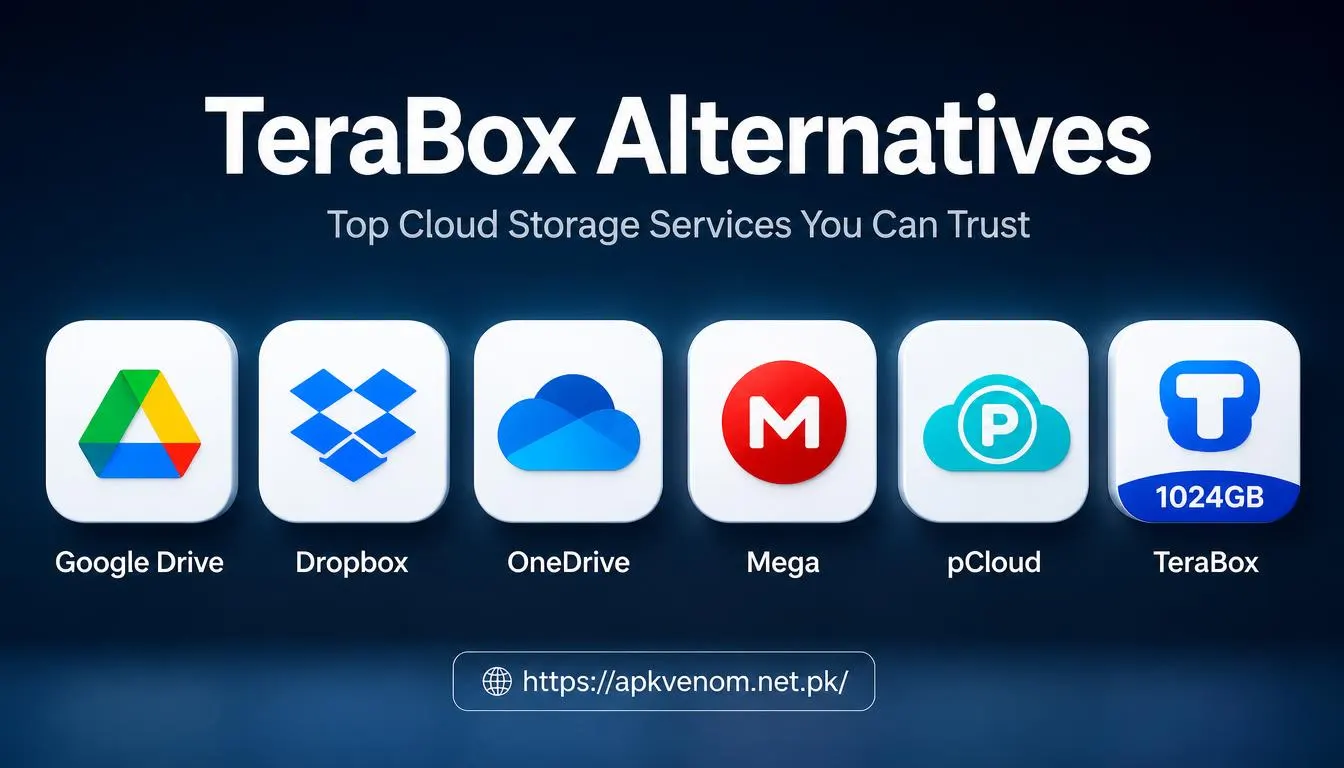
TeraBox Alternatives
If TeraBox does not meet your needs, consider these alternatives:
-
Google Drive: Good for Google Workspace users and document collaboration.
-
Dropbox: Strong file-syncing and team-sharing features.
-
OneDrive: Useful for Windows and Microsoft 365 users.
-
Mega: Known for large free storage and end-to-end encrypted sharing options.
-
pCloud: Popular for media storage and lifetime plans.
The best cloud storage app depends on your storage needs, budget, device ecosystem, and privacy requirements.
Final Thoughts
TeraBox is a practical cloud storage option for users who need a large amount of free space for photos, videos, documents, and file sharing. Its 1TB free plan, automatic backup, and cross-device access make it especially useful for Android users with limited phone storage.
Use the official TeraBox app, protect your account with a strong password, and avoid unofficial APK downloads. With safe usage habits, TeraBox can be a helpful tool for backing up files and sharing large media online.

