

Spam calls have become a daily nuisance for mobile users in Pakistan. Whether it is an automated voice recording offering a shady loan, a telemarketer trying to sell insurance, or persistent promotional messages from local brands, your phone buzzing unnecessarily breaks your focus. In 2026, the volume of these unsolicited interruptions has only increased as automated dialing software becomes more accessible.
Fortunately, if you are an Android user on networks like Jazz, Telenor, or Zong, you have multiple layers of defense at your disposal. Blocking spam calls in Pakistan requires a mix of smartphone settings, network provided services, and government backed registries. This comprehensive guide will walk you through exactly how to stop unknown numbers and telemarketers from hijacking your daily routine.
1. Utilizing Android’s Native Spam Protection
Most modern smartphones used heavily across Punjab from Lahore down to Dera Ghazi Khan especially devices like the Redmi Note 13 Pro and other popular Androids, are equipped with robust, built-in caller ID and spam protection features. Google’s native Phone application is particularly effective because it uses real-time community data to flag suspicious numbers before you even pick up the call.

How to enable Google’s Spam Filter:
-
Open the default Phone app on your Android device.
-
Tap the three vertical dots (menu icon) located in the top-right corner.
-
Select Settings and navigate to Caller ID & spam.
-
Toggle on See caller and spam ID and Filter spam calls.

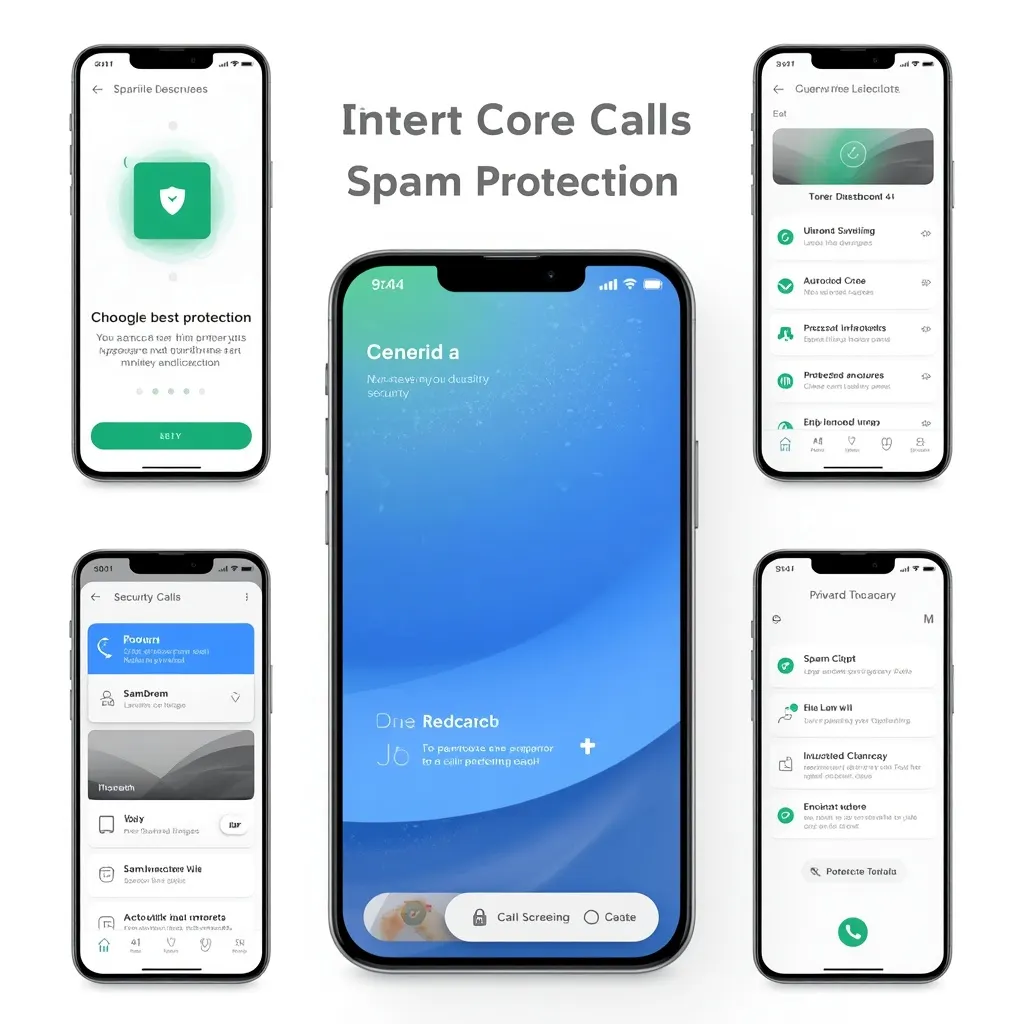
By enabling this setting, the Android system automatically detects known telemarketers and silences the ringing. You will still see a notification of a missed call marked in red as "Spam," giving you the choice to review it later. Samsung Galaxy users have a similar native feature called 'Smart Call', accessible through their dialer settings, which actively identifies scam callers without needing third-party software.
2. Network-Specific Call Blocking Services in Pakistan
While your smartphone does an excellent job of filtering generic spam, persistent stalkers or highly localized telemarketing campaigns might slip through the cracks. This is where your telecom operator steps in. Jazz, Telenor, and Zong all offer dedicated value added services (VAS) to block specific numbers natively at the network level. Keep in mind that telecom operators usually charge a nominal daily or monthly fee for these active blocking services.
How to Block Calls on Jazz
Jazz provides a reliable 'Call & SMS Block' service that allows you to add irritating numbers to a strict blacklist. Once added, the caller will hear a busy tone or a pre-recorded message, and their SMS will not reach your inbox.
-
Activation: Dial *420# from your Jazz prepaid or postpaid SIM.
-
Via SMS: You can also send the word "SUB" to 420.
-
Managing the Blacklist: After subscribing, you will receive a menu prompt. You can easily add specific numbers to the reject list. Jazz typically charges around Rs. 1.5 to Rs. 2 per day (exclusive of tax) for this facility. It is an excellent tool when you are dealing with a specific individual or a local agency that keeps calling from the exact same set of numbers.
How to Block Calls on Zong
Zong users facing constant interruptions can subscribe to the official Zong Call Block service. This service gives you the flexibility to manage a blacklist (numbers you want to ignore) and a whitelist (only numbers allowed to call you, blocking everyone else).
-
Activation: Send "SUB" in an SMS to 420.
-
Adding a Number: Once subscribed, text "Block [Phone Number]" to 420.
-
Charges: Zong deducts a small subscription fee depending on your specific prepaid package. The whitelist feature is particularly useful for parents who want their children's phones to only receive calls from trusted family members.
How to Block Calls on Telenor
Telenor’s 'Call & SMS Blocker' service is straightforward and highly easy to navigate. It effectively stops unwanted callers from ruining your peace of mind and draining your daily battery life.
-
Activation: Dial *420# or send "SUB" to 420.
-
Usage: The USSD menu allows you to easily add or remove numbers from your block list. Telenor’s system is highly responsive, and the network blocking takes effect immediately. Similar to other networks, standard daily or monthly deductions apply.
3. The Ultimate Shield: PTA’s Do Not Call Register (DNCR)
Many mobile users do not realize that the Pakistan Telecommunication Authority (PTA) provides a free, official mechanism to stop promotional spam. The Do Not Call Register (DNCR) legally obligates telemarketers and mobile networks to stop sending you promotional text messages and making marketing calls.
If you are tired of getting random discount offers or real estate investment pitches, registering with the DNCR is the most effective long-term solution.
How to register with PTA:
-
Open your SMS messaging app.
-
Type REG and send it to 3627.
-
You will receive a confirmation message stating that your number has been successfully added to the Do Not Call list.
It may take a few days for the system to fully update across all corporate marketing databases. If you still receive promotional calls from a specific marketer after registering, the PTA allows you to report them directly by texting the spammer's number to 9000.
4. Manual Blocking Directly from the Call Log
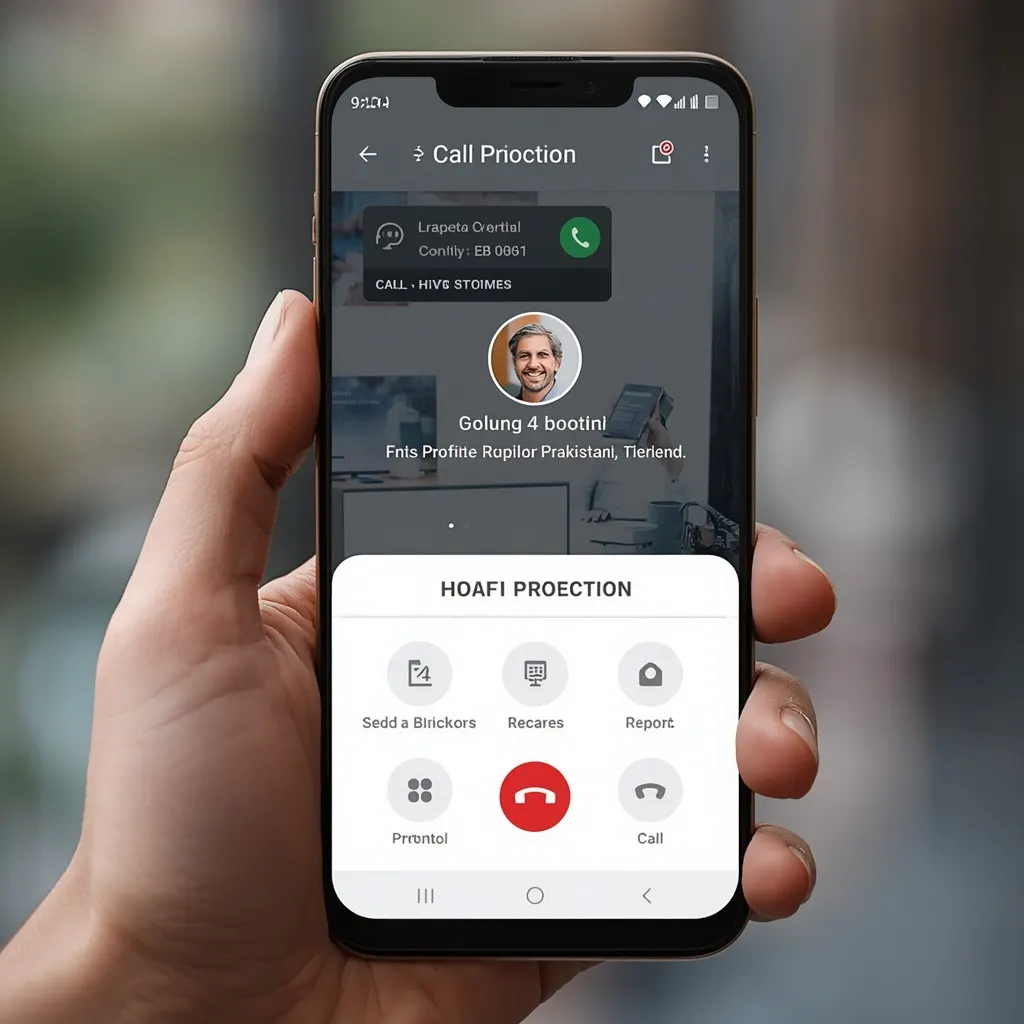
Sometimes, the absolute easiest way to deal with a one off spammer is to block them immediately after they hang up. The Android operating system makes this incredibly intuitive.
-
Open your Recent Calls log.
-
Long-press on the unknown number that just called you.
-
A menu will pop up; select Block/Report Spam.
-
Check the box that says Report call as spam (this helps protect other users in the community) and tap Block.
This method guarantees that the specific number will never be able to ring your device again, and it costs absolutely nothing.
5. Third-Party Caller ID Applications
If you prefer an aggressive, data driven approach to blocking spam calls in Pakistan, thirdpar ty apps remain highly effective in 2026. Because the Android ecosystem is open, these apps can replace your default dialer and screen incoming traffic.
-
Truecaller: This is arguably the most widely used caller ID application in Pakistan. Truecaller relies on crowd sourced community reporting. If fifty people in your city report a specific agent's number as spam, Truecaller will immediately flag it for you. You can dive into the settings and configure the app to automatically reject 'Top Spammers'.
-
CallApp & Whoscall: These are excellent alternatives to Truecaller, offering vast offline databases and strong caller identification tailored specifically to South Asian regions.
A Word of Caution: While these third-party applications are incredibly useful and heavily feature-packed, they require access to your personal contact list to function properly. If digital privacy is a major concern for you, it is much safer to stick to your phone's built-in dialer and the official PTA DNCR registry.
Conclusion
Reclaiming your phone's primary purpose communicating with people you actually care about does not have to be a frustrating battle. By combining your Android smartphone's native spam filters, the PTA’s official Do Not Call Register, and network-specific blocking services from Jazz, Telenor, or Zong, you can drastically reduce unwanted noise. Start by enabling your phone's built-in caller ID, register with the PTA by sending a text to 3627 today, and enjoy a quieter, much more peaceful mobile experience in 2026.