
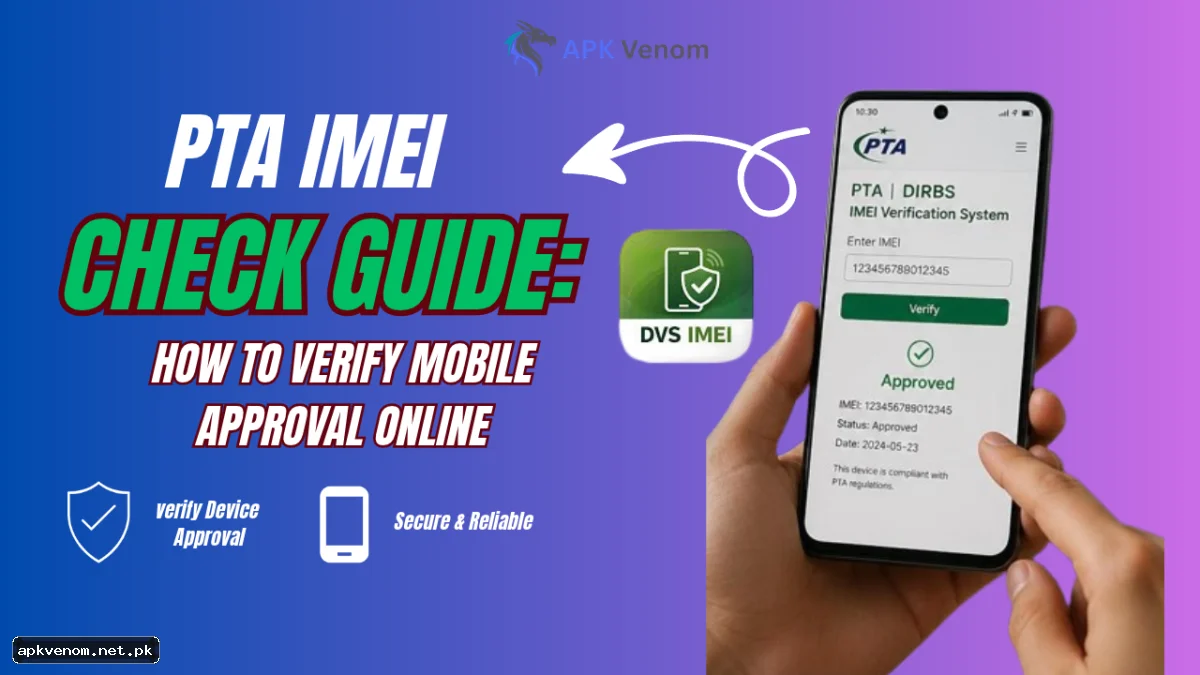
Buying a mobile phone in Pakistan requires one absolutely crucial verification step. Whether you purchase a brand new device from a local retail store or a used handset from the second-hand market, checking its network compatibility is strictly mandatory.The Pakistan Telecommunication Authority enforces a rigorous regulatory framework across the entire country. This digital tracking system guarantees that only tax-paid, legally imported devices can successfully connect to local mobile networks like Jazz, Zong, Telenor, and Ufone. If you decide to skip this verification step, your expensive smartphone might become a useless piece of hardware within a matter of days.
This comprehensive guide explains everything regarding the PTA IMEI check process. We will explore the absolute fastest ways to verify your device status, explain what the different compliance messages actually mean, and help you protect your financial investment from sudden network blocking issues. If you want to avoid a frustrating situation, a quick PTA IMEI check is your best defense against buying an unregistered phone.
What is an IMEI Number and Why Does It Matter?
Before you can actively verify your phone, you must clearly understand what you are actually checking. The International Mobile Equipment Identity (IMEI) is a unique 15-digit serial number assigned to every mobile phone manufactured globally. You can think of it as a permanent digital fingerprint for your specific physical handset. No two devices anywhere in the world share the exact same identifier.

The government explicitly uses the Device Identification, Registration, and Blocking System (DIRBS) to actively track every single IMEI operating within Pakistan's borders. The telecommunication authority initially implemented DIRBS to combat widespread mobile theft, prevent smuggled devices from flooding the local market, and ensure proper tax collection on all imported electronics. When you insert a local SIM card, the cellular network immediately scans this unique number. If your 15-digit code is not officially registered in the massive national DIRBS database, the network will eventually block your signal reception entirely.

Why You Must Learn How to Check PTA Approval Before Buying
The local second-hand mobile market is absolutely filled with excellent bargains. However, it also hides a massive number of unauthorized, unapproved devices. Many independent sellers import smartphones in their personal luggage to actively avoid paying hefty customs duties at the airport. They then sell these grey-market phones to unsuspecting buyers in the local retail market.

If you unknowingly purchase one of these unregistered units without learning how to check PTA approval first, the government grants a strict 60-day grace period. After exactly 60 days pass, your cellular signals will drop down to zero. You will not be able to make phone calls, send text messages, or use mobile internet data networks. Running a quick verification process takes less than a minute of your time, but it successfully saves you from paying thousands of rupees in unexpected mobile tax penalties later down the road.
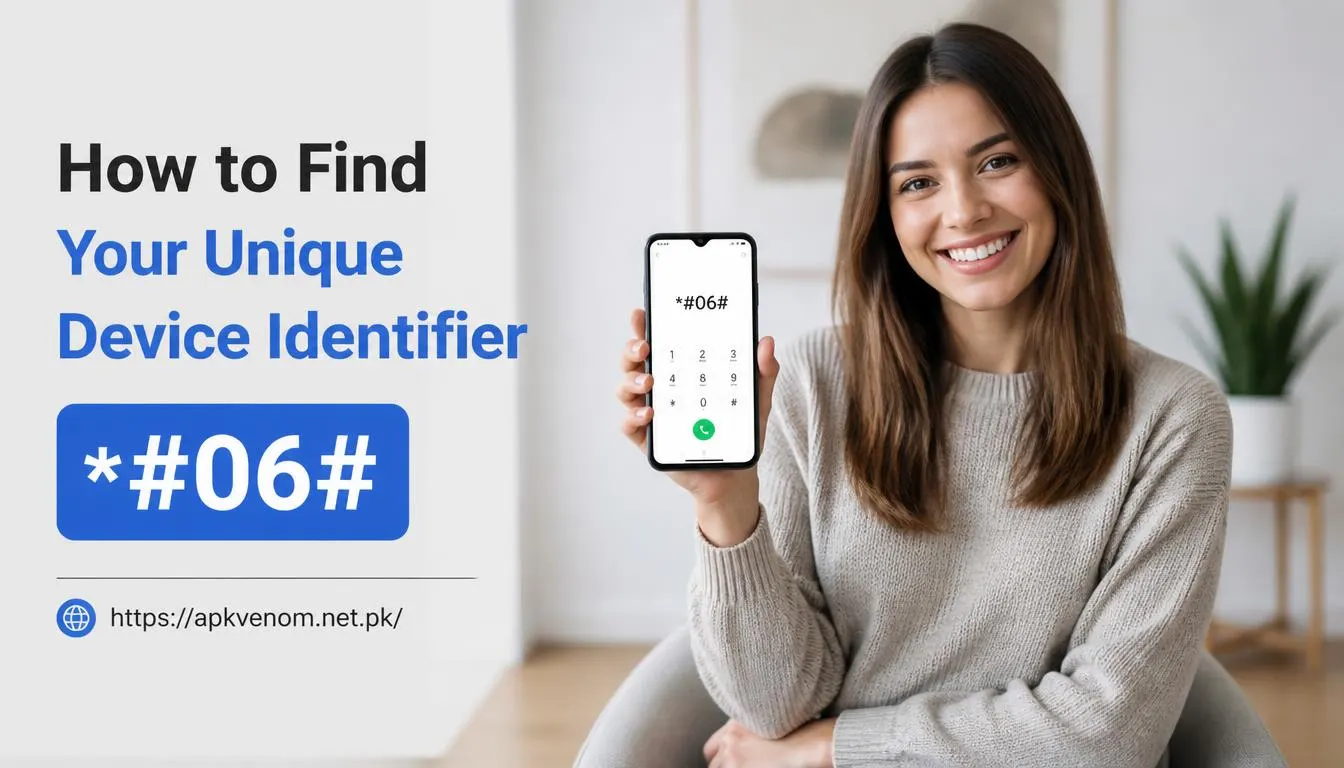
How to Find Your Unique Device Identifier
Locating your unique serial number is incredibly simple. If anyone wants to look up their own device right now, you do not need any advanced technical skills or specialized software. Just unlock your screen, open your phone's standard dialpad, and type *#06# directly on the screen. The 15-digit code will immediately pop up in a new window for you to copy or write down.
If your specific mobile phone features dual SIM card slots, the screen will prominently display two distinct tracking numbers. You must write down and verify both of them to ensure full compliance. You can also quickly find this code printed directly on the original retail box packaging or stamped in microscopic text on the physical SIM card tray of most modern smartphones.
How to Perform a PTA IMEI Check (3 Proven Methods)
The national regulatory authority generously offers three completely free, highly accessible methods for citizens to check their mobile approval status. You can utilize whichever verification method is most convenient for your current situation to complete your PTA IMEI check instantly.
Method 1: Get Your SMS 8484 Status Quickly
This is the absolute fastest way to verify a handset, especially if you are physically standing inside a mobile shop negotiating a cash purchase. It works perfectly on every single mobile network in the country and costs absolutely nothing.
-
Open the default text messaging application on your smartphone.
-
Carefully type your exact 15-digit code into the blank message body. Do not include any spaces or dashes between the numbers.
-
Send the text message directly to the shortcode 8484.
-
Within two minutes, you will receive an automated SMS 8484 status reply detailing your exact network compliance level.
Method 2: Official DIRBS Device Verification Portal
If you are currently sitting at a desktop computer or strongly prefer using a standard web browser, the official online portal provides highly detailed DIRBS device verification regarding your handset.
-
Open your preferred web browser and navigate directly to the official DIRBS website .
-
Scroll down the main homepage until you see the device verification search box.
-
Enter your 15-digit serial number very carefully.
-
Complete the visual security CAPTCHA requirement to prove you are human.
-
Click the submit button to view your comprehensive device verification status on the screen.
Method 3: Using the Official Android Application
For frequent phone buyers and professional mobile shop owners, the official Android application offers incredible daily convenience.
-
Open the Google Play Store on your Android device.
-
Search for the official "DIRBS" application and completely download it.
-
Open the downloaded app and navigate directly to the primary device verification section.
-
You can manually type the numbers or utilize your phone camera to simply scan the barcode printed on the retail box.
-
The application will instantly display the device approval status directly on your mobile screen.
Understanding Your Verification Results
When you submit your number using any of the three distinct methods listed above, the automated system will return one of several possible status messages. Understanding exactly what these specific messages mean dictates your next steps.
-
Compliant (PTA Approved): This is the absolute best possible result. It clearly means your mobile device is fully tax-paid, officially registered, and completely safe to use anywhere in Pakistan. You do not need to do anything else.
-
Non-Compliant (Unregistered): This warning message means the device is currently working but has not paid the legally required customs duties. If it is a brand new import, you have exactly 60 days to register it and pay the assigned tax. If you ignore this warning, it will transition into a permanently blocked state.
-
Blocked: This severe status means the 60-day grace period has completely expired, or the phone was imported illegally. It will not catch any local cellular signals. To unblock PTA mobile services, you must pay the outstanding tax immediately.
-
Stolen or Lost: If you ever see this specific red warning, do not buy the phone under any circumstances. The original owner officially reported it stolen. The device is permanently blacklisted across all cellular networks in Pakistan and cannot be registered by anyone.

How to Calculate Your Pakistan Mobile Tax Check and Register
If your initial check reveals a non-compliant status, you must urgently register the phone to keep it fully operational. The entire Pakistan mobile tax check and registration process is handled completely online for your convenience.
First, visit the official DIRBS web portal and create a personal user account utilizing your CNIC, active email address, and working phone number. Once you successfully log in, select the menu option to register a newly imported device. You will need to carefully enter your 15-digit code and select your specific user type (such as an international traveler or local resident citizen).
The automated portal system will then logically calculate the exact tax amount required based entirely on the specific make and model of your smartphone. After generating the official payment slip (PSID), you can securely pay the required fee through any major local banking application or physical ATM. Once the cash payment clears, the central DIRBS database updates within 24 to 48 hours, and your device status will officially change to completely compliant. For more tips on managing your digital payments safely, read our guide on secure digital banking practices.