
An AI logo generator is an online tool. It makes logo designs using your business name, industry, and favorite colors. It is a fast and cheap choice for startups, small businesses, and creators. You can get a professional logo without paying a designer right away.
What Is an AI Logo Generator?
An AI logo maker uses smart software to turn simple details into logo ideas. You just type your brand name, pick your business type, and choose your colors.
The tool then creates many logo choices in seconds. Many platforms also give you templates, icons, and files to download. For example, Canva lets you type a prompt with your business name and colors to get ideas.
You do not need special design skills to do this. It is a great tool for a new online store, a local business, a YouTube channel, or even a mobile app and APK site. It gives you a quick visual identity.
How Does an AI Logo Generator Work?
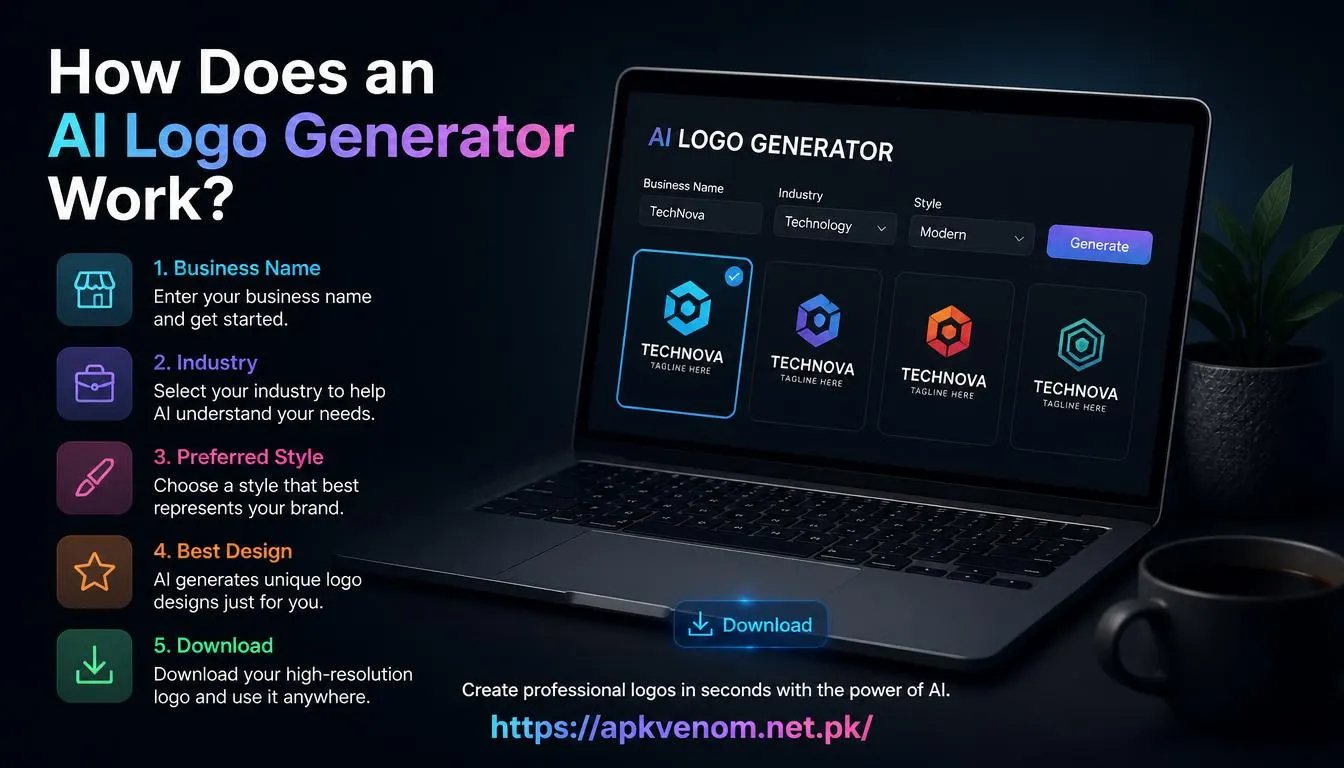
Most AI logo makers follow these easy steps:
-
Enter your business name. The tool uses it to make text or icon logos.
-
Choose your industry. A bakery needs a different style than a law firm.
-
Pick your style. Choices include modern, minimal, bold, or vintage.
-
Pick colors and fonts. Colors create a mood. Fonts make it easy to read.
-
Generate concepts. The AI gives you many options to compare.
-
Customize the best one. Change the icons, spacing, fonts, and colors.
-
Download your files. See if the site gives you PNG, JPG, or SVG formats.

Newer tools are much better at making readable text. Old AI tools often messed up letters, but modern ones handle short names and fonts very well.
Benefits of Using an AI Logo Generator
Fast and Cheap The best part is speed. You do not have to wait days for a designer to finish a draft. You can make dozens of ideas in minutes. This is perfect for testing a new business idea.
Beginner-Friendly You do not need to know how to use Photoshop. Most platforms just use a simple form or a drag-and-drop editor.
Helpful for Ideas AI can show you logo styles you never thought of. You can test different icons and colors before you pick a final direction.
Good for Small Budgets A free AI logo maker is great when you have little money. But always read the rules first. Free plans might have watermarks or low-quality files.
Top 5 AI Logo Generators
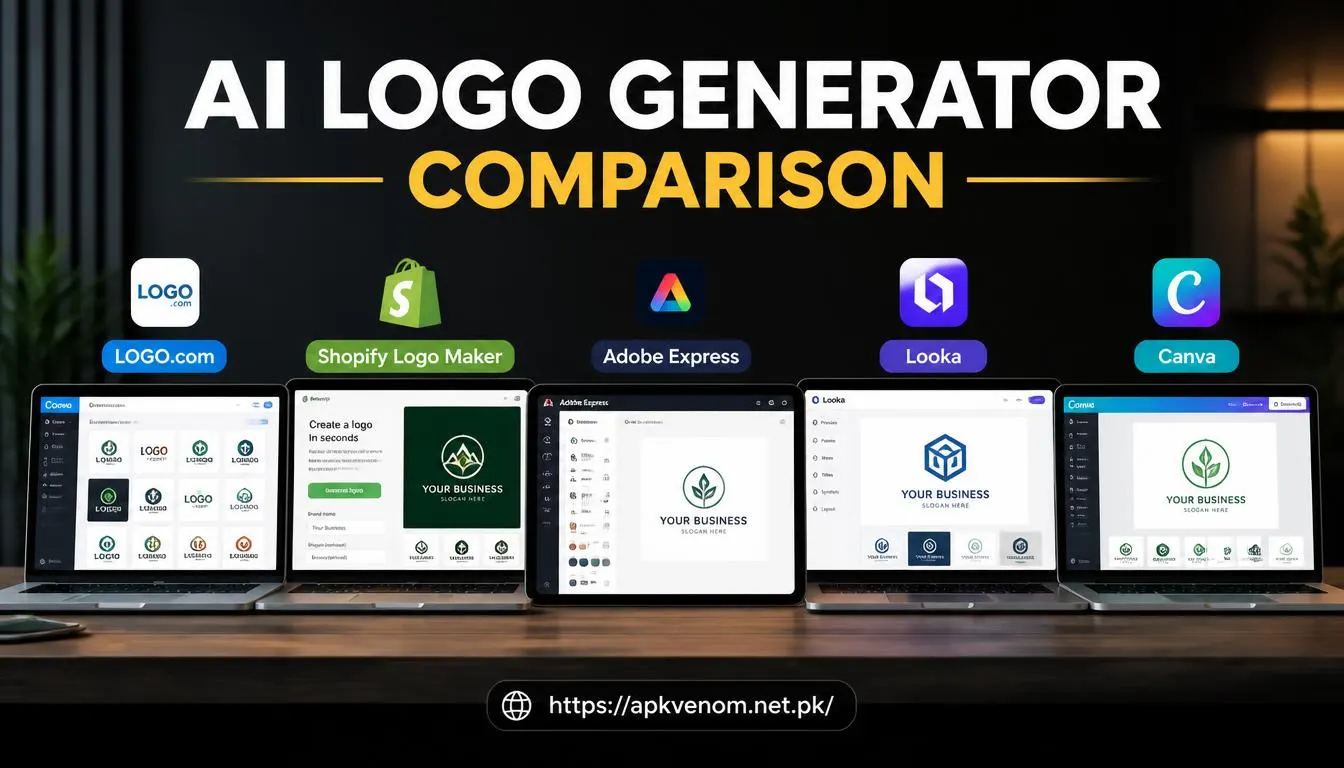
1. Canva AI Logo Generator Best for: Beginners and teams. Canva is very popular. It mixes AI with a huge library of templates. You can make logo ideas and edit them easily. You can also save your colors and fonts in a Brand Kit. If you want to try it out, you can visit Canva's official website to explore their design tools.
2. Looka Best for: Small businesses that want a full brand kit. Looka asks for your business name and style. Then, it creates variations. You can adjust the colors and spacing before you finish. Looka can also give you a color palette and social media assets.
3. Adobe Express Best for: People who already use Adobe. Adobe Express uses Firefly AI to make and edit visual ideas. It has logo templates and multiple export options. You use it in your web browser, so you do not need to install heavy software.
4. Shopify Logo Maker Best for: Online stores. Shopify’s logo maker is very simple. You pick an industry and style, edit the text, and download your files. It is perfect for new store owners because the logo easily fits on websites and packaging.
5. LOGO.com Best for: Fast, free logo downloads. LOGO.com lets you make options quickly and download a PNG for free. It is a great choice for side projects that need a basic logo fast. Just remember to check the licensing terms before using it for business.
AI Logo Generator Comparison
| Tool | Best For | Best Feature | File Options |
| Canva | Beginners | Templates & Brand Kit | Editable designs |
| Looka | Small businesses | Full brand kit | PNG, SVG, PDF (paid plans) |
| Adobe Express | Adobe users | Firefly AI | Multiple export formats |
| Shopify | Online stores | Free and simple | PNG files in many layouts |
| LOGO.com | Budget users | Quick free download | PNG with commercial rights |
How to Create a Logo With AI
Step 1: Define Your Brand Write down your business name and audience. A kids' brand needs friendly colors. A bank needs a clean, trusted design.
Step 2: Choose the Right Tool Compare prices and features. If you need social media designs, Canva is great. If you want a full brand package, Looka is better.
Step 3: Write a Clear Prompt Do not just say “make a logo.” Be detailed: “Make a minimal logo for GreenLeaf Fitness with a leaf icon, green colors, and bold fonts.”
Step 4: Generate Options Create several versions to see what looks best. This helps you compare different ideas.
Step 5: Customize and Test Check the spelling and spacing. Your logo should look clear on a website header, a business card, or an Android app download portal.
Step 6: Download the Right Files Use PNG for websites. Use SVG or vector files for printing. Vector files do not lose quality when you make them bigger.
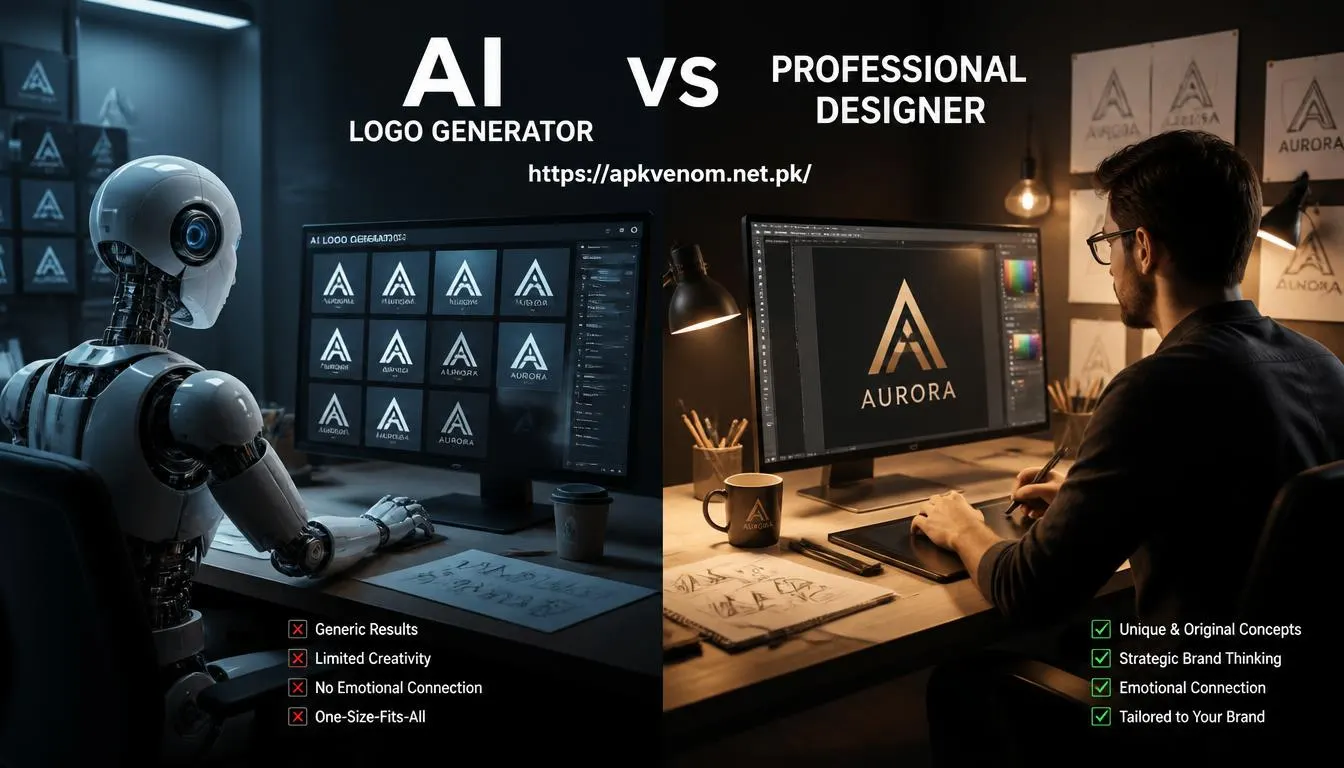
AI Logo Generator vs Professional Designer
| Factor | AI Logo Generator | Professional Designer |
| Speed | Minutes | Days or weeks |
| Cost | Free or low cost | Higher cost |
| Customization | Template based | Fully tailored |
| Originality | Depends on tool | Usually unique |
| Best for | Startups | Established brands |
An AI logo maker is great for speed and low cost. A real designer is better when you need a highly unique identity and deep market research.
Legal and Commercial Use Checklist
Before you use an AI logo for your business, check these things:
-
Do you have permission to use it for business?
-
Is there a watermark on the file?
-
Do you need to give credit to the tool?
-
Are there similar logos already out there?
-
Did you save the high-quality files?
Final Thoughts
An AI logo maker is a smart way to create a business logo fast and cheap. You do not need any design skills. Choose the right tool, write a clear prompt, and customize your favorite design. With a little editing and the right files, an AI logo can be a great start for your brand.