
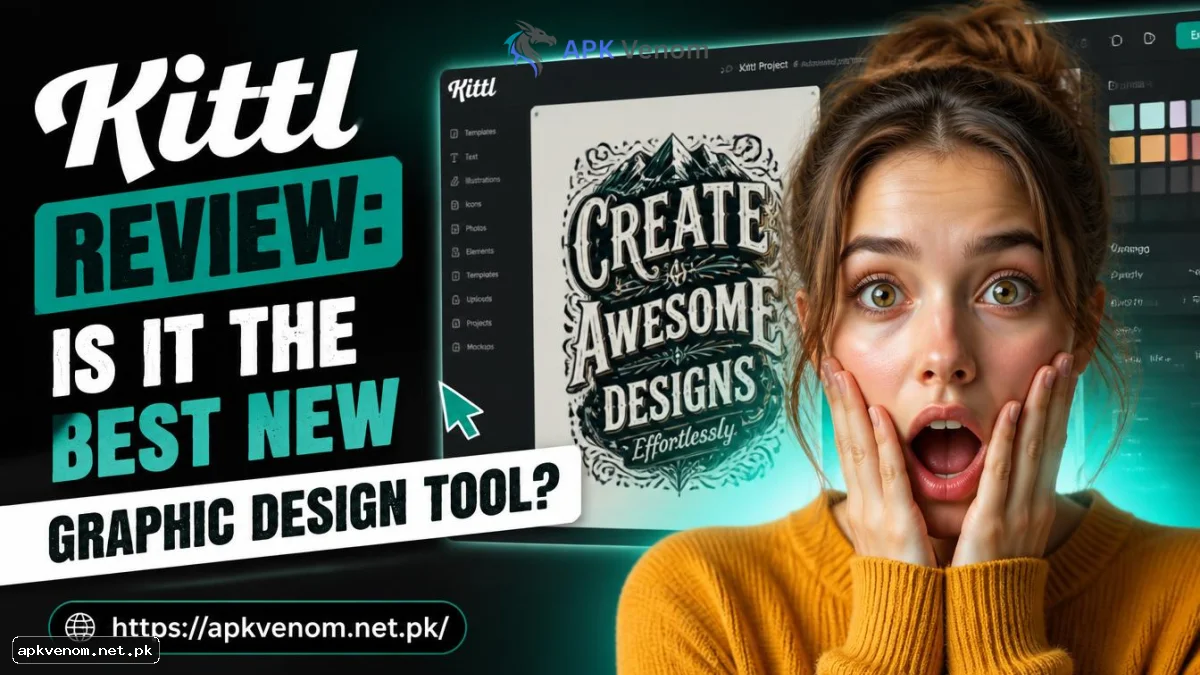
Do you want to create beautiful graphics but do not know how to use complex software? You are not alone. Millions of creators need simple tools to make professional designs. Recently, a new platform has taken the internet by storm. In this comprehensive Kittl review, we will look at exactly what this design software does. We will explore its top features, compare it to other popular platforms, and see if it is worth your time. Whether you want to make t-shirts, logos, or social media posts, finding the right digital canvas is highly important. Let us dive into everything you need to know about this creative platform.
What is Kittl?
This service operates as a highly advanced, web-based digital art studio. It works directly inside your web browser. Users can run the entire program directly from an internet browser without installing massive files. It was created to help ordinary people make complex, stunning designs very quickly. It is especially popular with people who sell print-on-demand merchandise like t-shirts, posters, and stickers.
In the past, making vintage graphics or warped text took hours of hard work. Mastering complex desktop applications used to be a strict requirement for creating quality art. Now, Kittl makes this entire process automatic. You just click a single button, and your text bends perfectly. It perfectly combines the ease of simple drag-and-drop tools with the massive power of professional vector software.
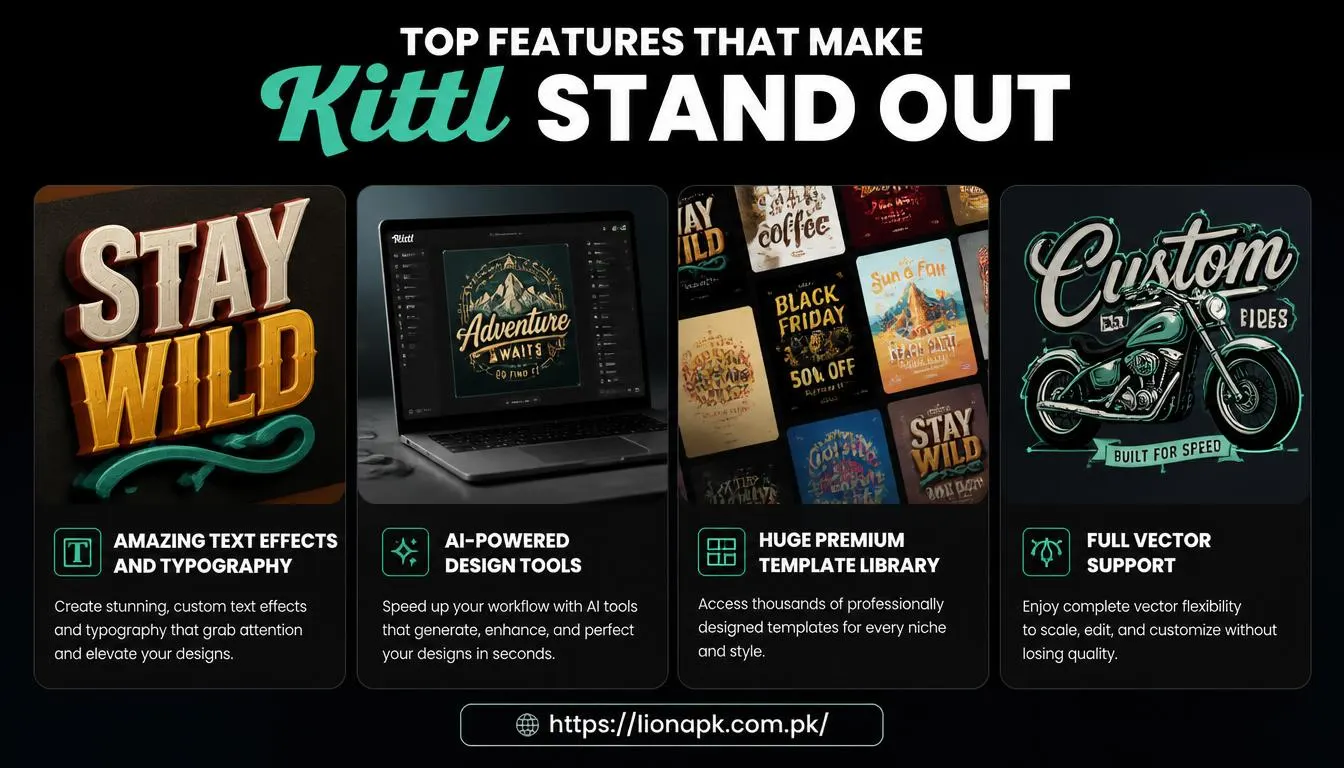
Top Features That Make Kittl Stand Out
Our Kittl review must highlight its unique built-in tools. It is not just another basic photo editor for making memes. It offers many powerful, professional-grade features for digital artists and business owners.
Amazing Text Effects and Typography
This is where the platform truly shines. It has the absolute best text editing tools of any browser-based application. You can warp, bend, and twist words with just one click. You can add drop shadows, vintage textures, and bold borders instantly. If you design custom logos or clothing, these advanced text effects will save you massive amounts of time.
AI-Powered Design Tools
Artificial Intelligence is completely changing how we create art. Kittl includes smart AI tools right inside the main editor. Simply enter a brief description, and the smart system will instantly build a unique picture. It also features a highly accurate AI background remover. You can cut out the main subject of a photo in one second. These smart features make your daily workflow incredibly fast and efficient.
Huge Premium Template Library
Staring at a blank screen can block your creativity. Thankfully, the platform offers thousands of pre-made premium templates. Professional graphic designers created these beautiful layouts. The system provides ready-to-use layouts for fresh branding, merchandise tags, retro prints, and online profiles. You simply pick a template you like, change the words, and download it.
Full Vector Support
Unlike simple photo filter apps, this tool allows you to work entirely with vectors. Vectors are digital images that never lose their quality when you make them bigger. Users have total freedom to quickly adjust the precise shade of every tiny detail. You can also export your final project as a crisp SVG or PDF file. This is incredibly important for high-quality, professional printing.
Kittl vs Canva: Which Software is Better?
Many people want to know how this tool compares to Canva. While each tool offers incredible value, they focus on completely separate types of creative work.
Canva is great for general marketing and simple tasks. It is perfect for making quick Instagram stories, slide presentations, and basic business flyers. It is very easy to use for absolute beginners who just need to place text over a photo.
Kittl is built for heavy, detailed graphic design. It is much better for creating complex typography, vintage illustrations, and highly detailed merchandise designs. If you sell t-shirts or need a highly unique brand logo, Kittl is the much better choice. If you just need a fast social media post, Canva might be quicker. Many professional creators actually pay for and use both tools for different types of jobs.
How Kittl Helps Content Creators and Bloggers
Digital publishers and website owners need great images to survive. If you run a tech blog, publish digital resources, or manage a software repository like ApkVenom, your featured images matter a lot. A boring picture will not get any clicks. A highly engaging, custom graphic will easily attract more visitors.
Kittl allows content creators to make stunning blog banners and YouTube thumbnails. You can create a consistent, professional brand style for your entire website. When your website looks beautiful, visitors stay on your pages much longer. This sends a very positive signal to search engines. Good visuals directly improve your overall digital marketing strategy.
Using Kittl for SEO and Web Performance
Search Engine Optimization (SEO) is not just about writing good words. It is also about optimizing your images. Heavy, unoptimized pictures slow down your website loading speed. A slow website quickly loses its ranking on Google search results.
Kittl helps solve this technical problem. Once your artwork is complete, the system allows you to save the file in the perfect digital extension. You can download web-friendly JPG or WEBP files that load almost instantly. If you need crisp logos, you can export them as tiny SVG files. SVG files are very small in data size but look perfect on any size screen. By using the right file types, your website speed remains extremely fast. This helps you pass technical SEO tests and keeps your readers happy.
Understanding the Pricing Plans
Before you switch to a new tool, you must understand the cost. This platform offers a few different subscription options for its users.
-
Free Plan: You can use the software for free. You get access to basic tools and a limited number of projects. However, you must give credit to the platform if you publish the designs, and you cannot get high-resolution vector downloads.
-
Pro Plan: This is the most popular choice for creators. It unlocks full commercial use rights. This means you can legally sell the designs you make. It also gives you high-quality exports, more AI generation credits, and unlimited projects.
-
Expert Plan: This tier is for heavy users and large businesses. It gives you massive amounts of AI credits and huge online storage space.
If you plan to sell your artwork or use it for a real business, upgrading to the Pro Plan is definitely required to protect yourself legally.

Pros and Cons of the Platform
Every digital tool has good and bad points. Here is a quick summary to wrap up our thoughts.
The Pros:
-
Incredible text and typography warping effects.
-
Thousands of high-quality, fully editable templates.
-
Smart AI image generation and quick background removal.
-
Export designs as crisp, professional vector files.
-
A very active and helpful online creative community.
The Cons:
-
The detailed interface takes a little time to learn.
-
The free plan limits your commercial selling rights.
-
It lacks video editing features compared to other apps.
-
It requires a strong, steady internet connection to run smoothly.
Final Thoughts and Conclusion
To conclude this complete Kittl review, we can confidently say it is a highly powerful piece of software. It brings professional-level vector design right into your web browser without slowing down your computer. The advanced text warping and AI features eliminate hours of hard manual work. It perfectly bridges the gap between simple beginner apps and highly complex desktop software.
If you are serious about making beautiful digital art, running a blog, or selling merchandise, it is completely worth trying out. You can sign up for the free version today to test the features for yourself. Once you see how easily you can bend text and edit vectors, you might never go back to your old design software again. Embrace the future of digital creation and upgrade your art skills today.