
Clickworker is a popular platform for completing online microtasks and earning flexible income. It connects businesses with independent workers who complete surveys, research, writing, app testing, photo jobs, audio recordings, and other digital assignments. This guide explains how Clickworker earn money opportunities work, which tasks are available, how to receive a bonus, how much you need before withdrawal, and whether JazzCash can be used in Pakistan. It also covers the free Clickworker app, payment currencies, account requirements, and practical ways to improve your results.
What Is Clickworker?
Clickworker is a crowdsourcing platform for short online assignments. Companies divide larger projects into smaller jobs. Registered workers complete these jobs through the Clickworker workplace or mobile application.
The platform describes its work as microtasking. This means that many assignments are short and can be completed independently. You can choose available work according to your skills, location, language, and device.

Clickworker does not offer a fixed salary. Your earnings depend on available tasks, payment rates, approval results, and the time you spend working. Some countries may have more jobs than others.
You can visit the official Clickworker website to create an account and review the latest platform information.

How Does Clickworker Work?
The basic process is straightforward:
-
Register through the official website or application.
-
Enter accurate personal and profile information.
-
Confirm your email address and complete account requirements.
-
Add your language, location, skills, and payment information.
-
Complete available qualification tests.
-
Select a suitable task from the workplace.
-
Read the instructions before starting.
-
Submit the completed work before the deadline.
-
Wait for approval and payment credit.
-
Receive payment after meeting the required conditions.
The Clickworker app displays jobs that match your profile. Push notifications can alert you when new tasks become available. Some accepted tasks may be reserved for a limited time. This can allow you to work offline and submit the result later when internet access returns.support-workplace.clickworker
Always check the payment amount before beginning. Also review the task deadline, location requirements, file format, quality standards, and approval conditions.
What Tasks Are Available?
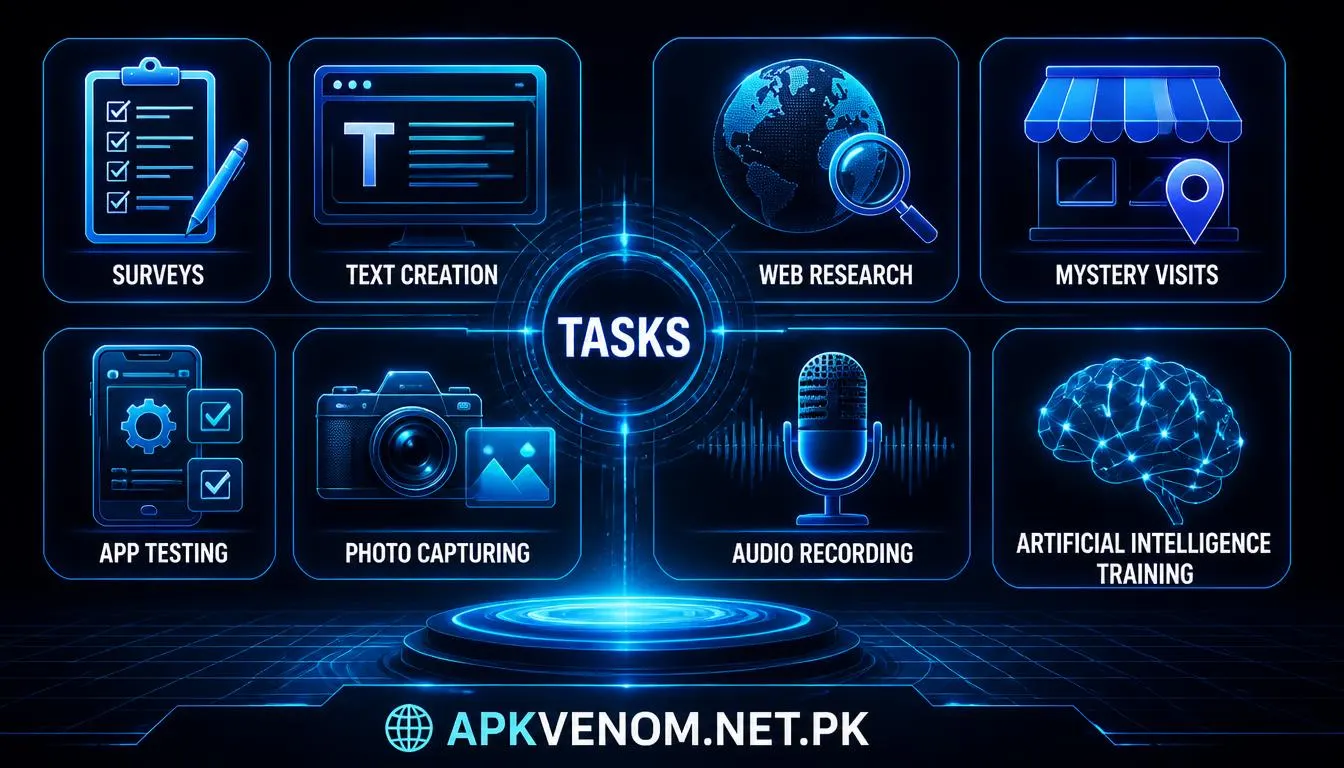
Clickworker earn money offers several types of online microtasks. Available jobs can change daily.
-
Surveys: Answer questions about products, services, habits, or opinions.
-
Text creation: Write product descriptions, articles, or informative content.
-
Web research: Find addresses, company details, opening hours, or local information.
-
Mystery visits: Visit stores and submit required observations or photographs.
-
App testing: Review application usability, design, and functionality.
-
Photo capturing: Take specific images using a mobile phone.
-
Audio recording: Record words, phrases, or short conversations.
-
Video recording: Submit short videos that follow project instructions.
-
Artificial intelligence training: Review, classify, or create data for AI systems.
-
UHRS tasks: Qualified members may access additional data-related projects.
A task may require a particular language, country, age group, smartphone, camera, microphone, or experience level. Completing qualification tests can increase the number of tasks visible in your account.
How Can You Earn More?
There is no guaranteed income level on Clickworker earn money. However, you can improve your opportunities with a consistent approach.
-
Complete your profile accurately.
-
Take relevant qualification tests.
-
Check the workplace several times each day.
-
Enable app notifications.
-
Start with instructions that you fully understand.
-
Maintain a strong accuracy rate.
-
Avoid rushing through surveys or research work.
-
Record your time and compare it with the payment.
-
Submit clear photographs and high-quality recordings.
-
Use a reliable internet connection for uploads.
-
Follow each client instruction exactly.
A higher task price is not always better. Some assignments take longer than expected. Calculate the approximate hourly return before accepting repeated work.
How Do You Get a Clickworker Bonus?
Clickworker may offer temporary bonuses for selected assignments. These promotions are not necessarily available to every user. They may depend on your country, account, project, qualification, or current campaign.
Bonus tasks can be identified through labels inside the Clickworker workplace. Clickworker support explains that some bonus projects may show a golden frame around the task tile or a “+BONUS” label.support-workplace.
To find possible bonus opportunities:
-
Open the workplace regularly.
-
Check task tiles for bonus labels.
-
Read the complete project description.
-
Confirm the bonus deadline and eligibility rules.
-
Complete the task accurately.
-
Check whether approval is required before the bonus is credited.
Never pay someone to unlock a Clickworker bonus. Avoid unofficial offers that request your password, verification code, or account access. Using multiple accounts can also create payment and security problems.
Is the Clickworker App Free?
The Clickworker app is free to download. The official platform provides access through smartphones, desktop computers, and notebooks. Its mobile application is designed to show suitable jobs and help workers submit mobile-based assignments.support-workplace.
Downloading the app does not guarantee available work. You may still pay normal internet, mobile-data, or bank-provider charges. Certain jobs may require camera, microphone, location, or notification permissions.
Download the application only from an official app store or the Clickworker website. Do not install modified applications from unknown sources.
How Do You Withdraw Money?
Clickworker generally pays workers through scheduled weekly bill runs. You do not usually need to request each payout manually. Payment is processed when your payable balance reaches the minimum, your tax information is complete, and your payment details are correctly configured.support-workplace.
The withdrawal process normally includes these steps:
-
Open the payment details section.
-
Select a payment method available in your account.
-
Enter your own payment information.
-
Complete tax details if requested.
-
Verify your payment account.
-
Reach the minimum payable amount.
-
Wait for the weekly bill run.
Payments are commonly processed between Wednesday and Friday. If your balance is below the required limit, it normally remains in your account and carries over to a later bill run.
What Payment Methods Are Available?
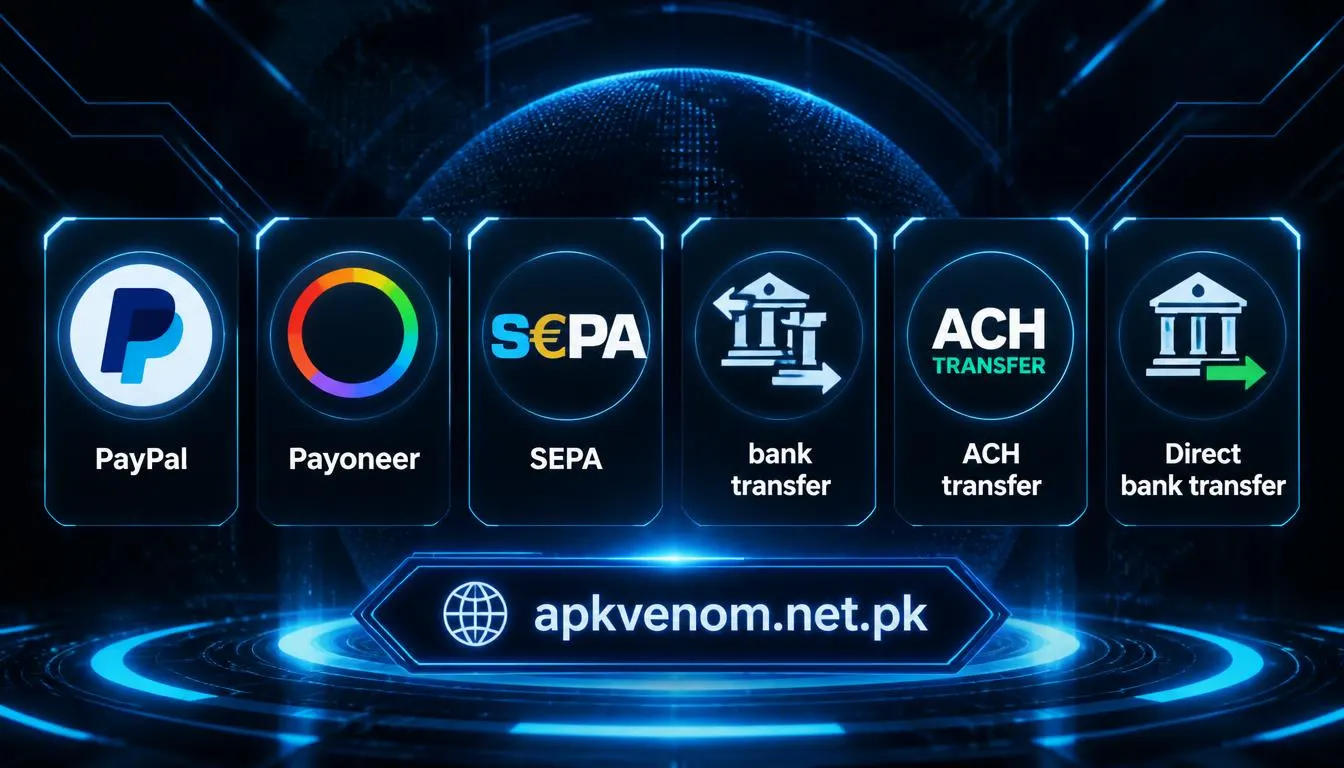
Clickworker lists several payment methods. Availability depends on your country and account.
Clickworker’s support page states that not every method is available to every worker. The payment details section of your account shows the options you can actually use.support-workplace.
PayPal accounts must generally be owned by the worker, verified, and eligible to receive payments in euros. Payoneer users need an active account and a linked bank account. Direct bank transfers may require a bank account in your current country of residence.
Can You Use JazzCash?
JazzCash is not listed as a direct Clickworker payment option on the official payment-method page. Therefore, direct withdrawal to a JazzCash wallet should not be assumed.
For users in Pakistan, Payoneer may be a possible alternative if it appears in the Clickworker payment details section. You may then transfer funds through an available and lawful local banking option. Confirm the current Payoneer and JazzCash rules before using this route.
Exchange rates, transfer charges, account verification, and availability can change. Always check the terms shown by Clickworker, Payoneer, your bank, and JazzCash.
What Currency Is Your Income?
Your Clickworker balance may appear in euros or US dollars, depending on the project and payment method. The final amount received in Pakistan can differ because of exchange rates, conversion charges, and provider fees.
PayPal payments may require euro eligibility. Payoneer can involve euro or dollar balances. ACH payments are associated with US dollars, while SEPA payments use euros. The exact currency available to you depends on your account and region.
Do not calculate your final Pakistani rupee income from the task price alone. Consider provider fees and currency conversion.
What Are the Main Features?
Important Clickworker features include:
-
Flexible work from different locations.
-
Smartphone and desktop access.
-
Surveys, writing, research, and media assignments.
-
Qualification tests for additional projects.
-
Push notifications for new opportunities.
-
Balance and payable-balance tracking.
-
Some offline working capability.
-
Weekly payment processing.
-
Helpdesk support.
-
Security and privacy features.
The company also reports more than one million microtasks, over 50,000 HitApps, and ISO certification since 2022. These are company-published figures, not a personal earnings guarantee.
For related resources, add internal links such as online survey earning guide and best microtask websites to your website.
Advantages and Disadvantages
Clickworker can suit people who want flexible side work. You can select tasks instead of following a fixed schedule. The app also makes mobile surveys, recordings, and photo assignments convenient.
However, the platform has limitations:
-
Task availability differs by country.
-
Some projects require difficult qualifications.
-
Work can be rejected for quality problems.
-
Income is not guaranteed.
-
Payment thresholds must be reached.
-
Currency conversion may reduce the final amount.
-
Some payment methods may not be available in Pakistan.
Final Verdict
Clickworker earn money opportunities can provide flexible supplementary income through surveys, writing, research, app testing, recordings, photographs, and AI-related microtasks. The app is free, but task availability and earnings vary. PayPal, Payoneer, SEPA, ACH, and selected bank-transfer options may be available, while JazzCash is not presented as a direct Clickworker withdrawal method. Before working, verify the payment options, minimum threshold, currency, fees, and tax requirements shown inside your own account.